Training and certifications
A training matrix the line checks at badge-in
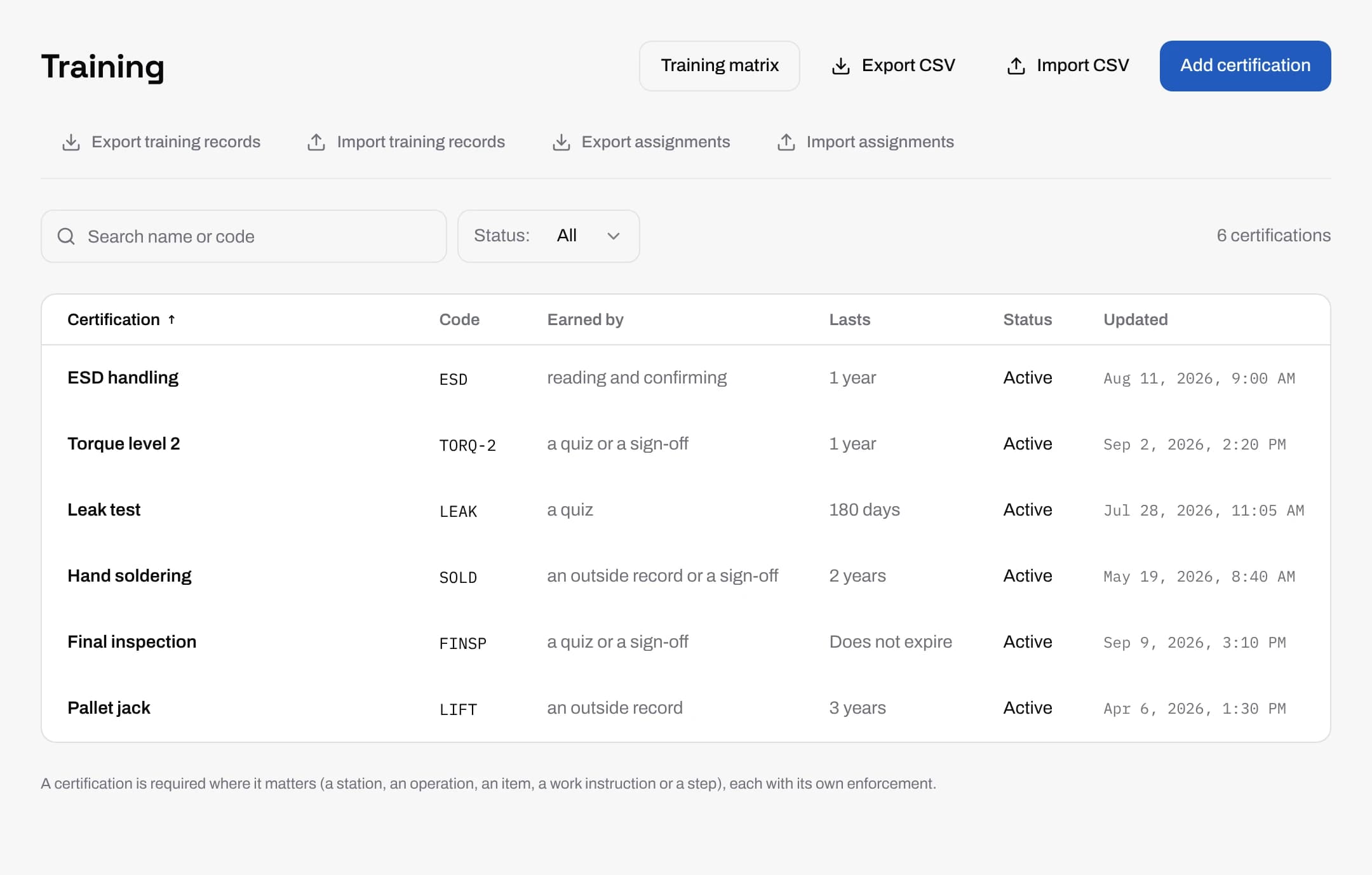
Keep every certification your floor needs in one place, with how it is earned, how long it lasts and who must hold it. When an operator badges in at a station, factoryapps checks what that station, item and work instruction require, and blocks, warns or records the gap the way you set it.
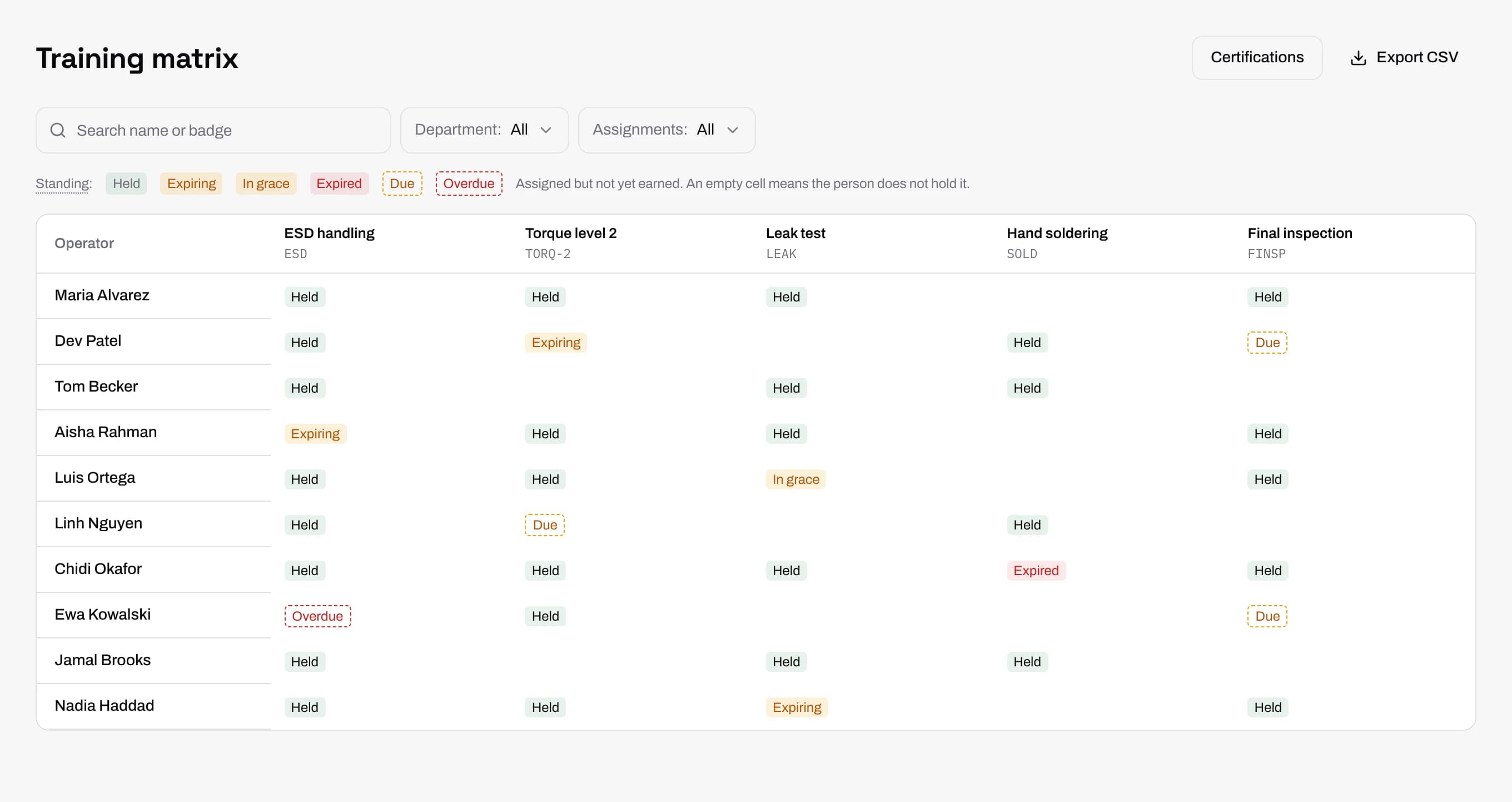
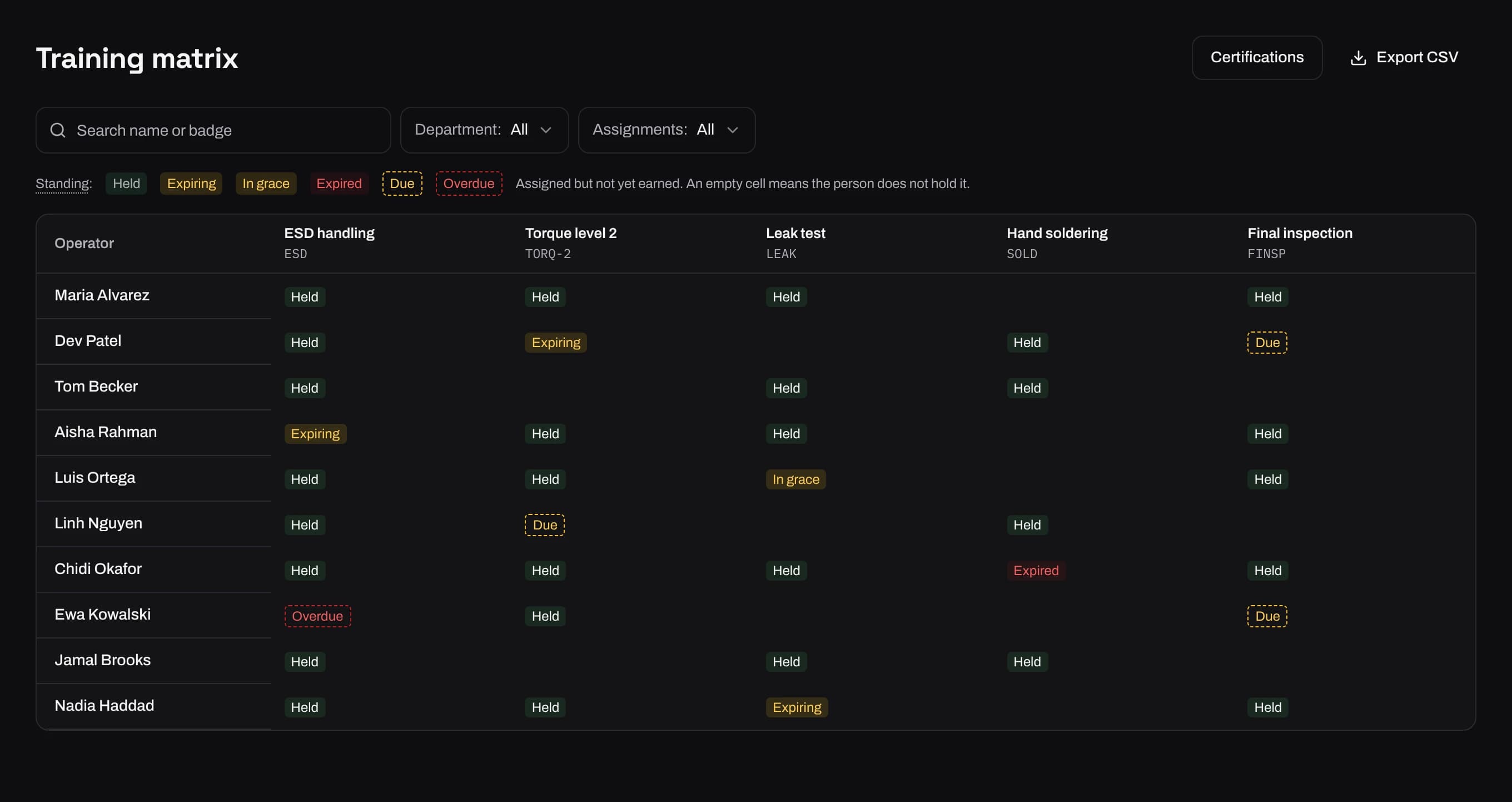
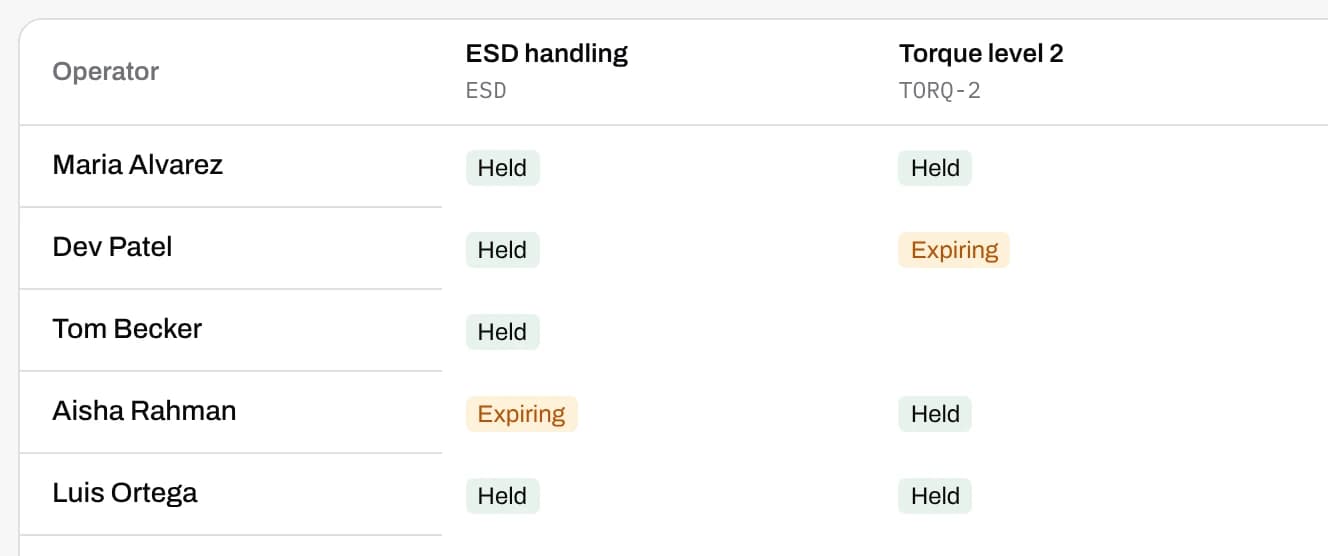
The skills matrix, kept up to date
Each cell says where a person stands: held, expiring, in grace, expired, assigned or overdue. Search by name or badge, filter by department, or tick Overdue only to see who needs chasing.
Bring your current spreadsheet with you. Certifications, training records and assignments each import and export as CSV, and the export of an empty list is the template to fill in.
Checked when the operator badges in
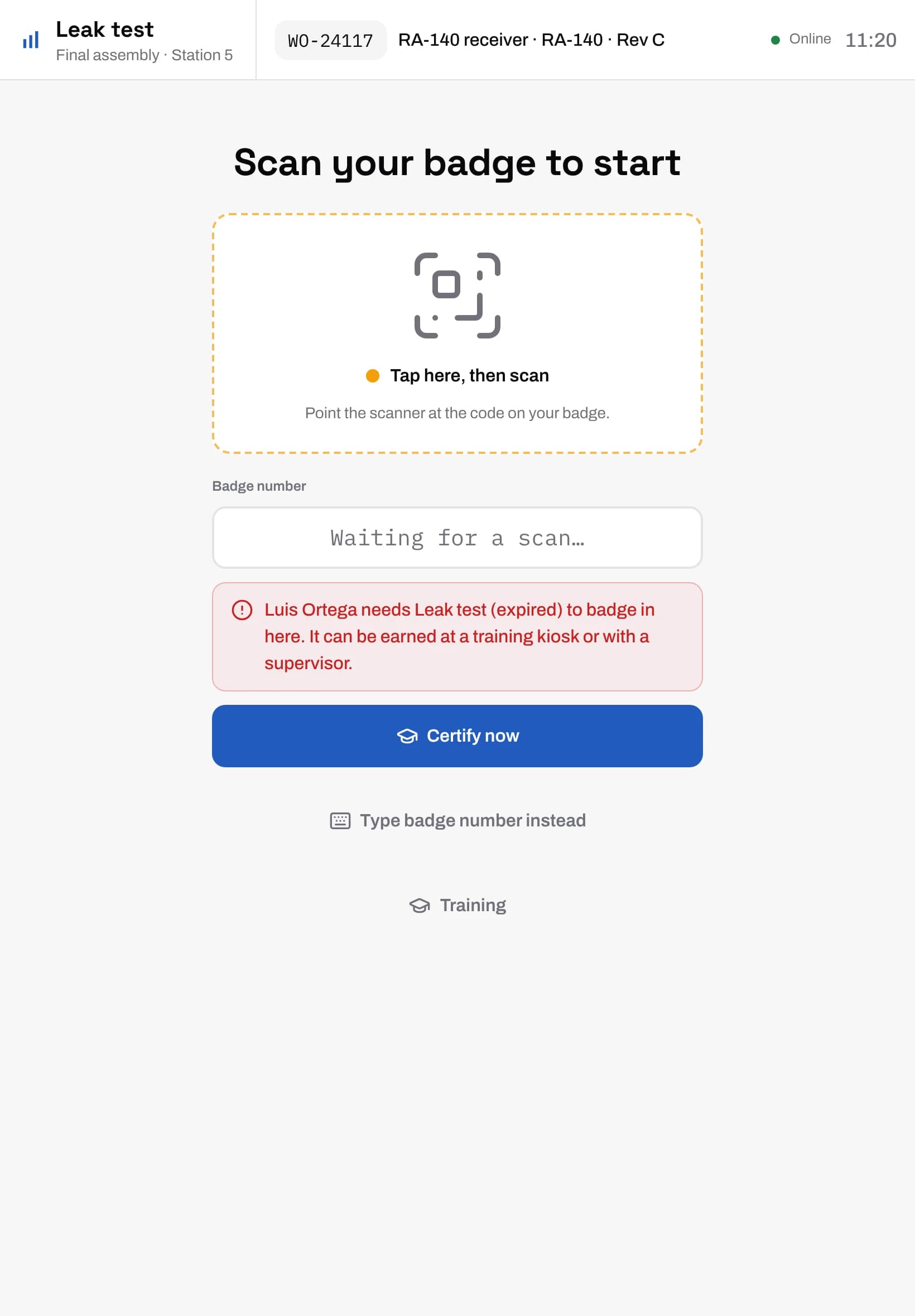
A certification can be required at a station, an operation, an item, a work instruction or a single step. When someone badges in, the tablet checks what they hold against what is required there.
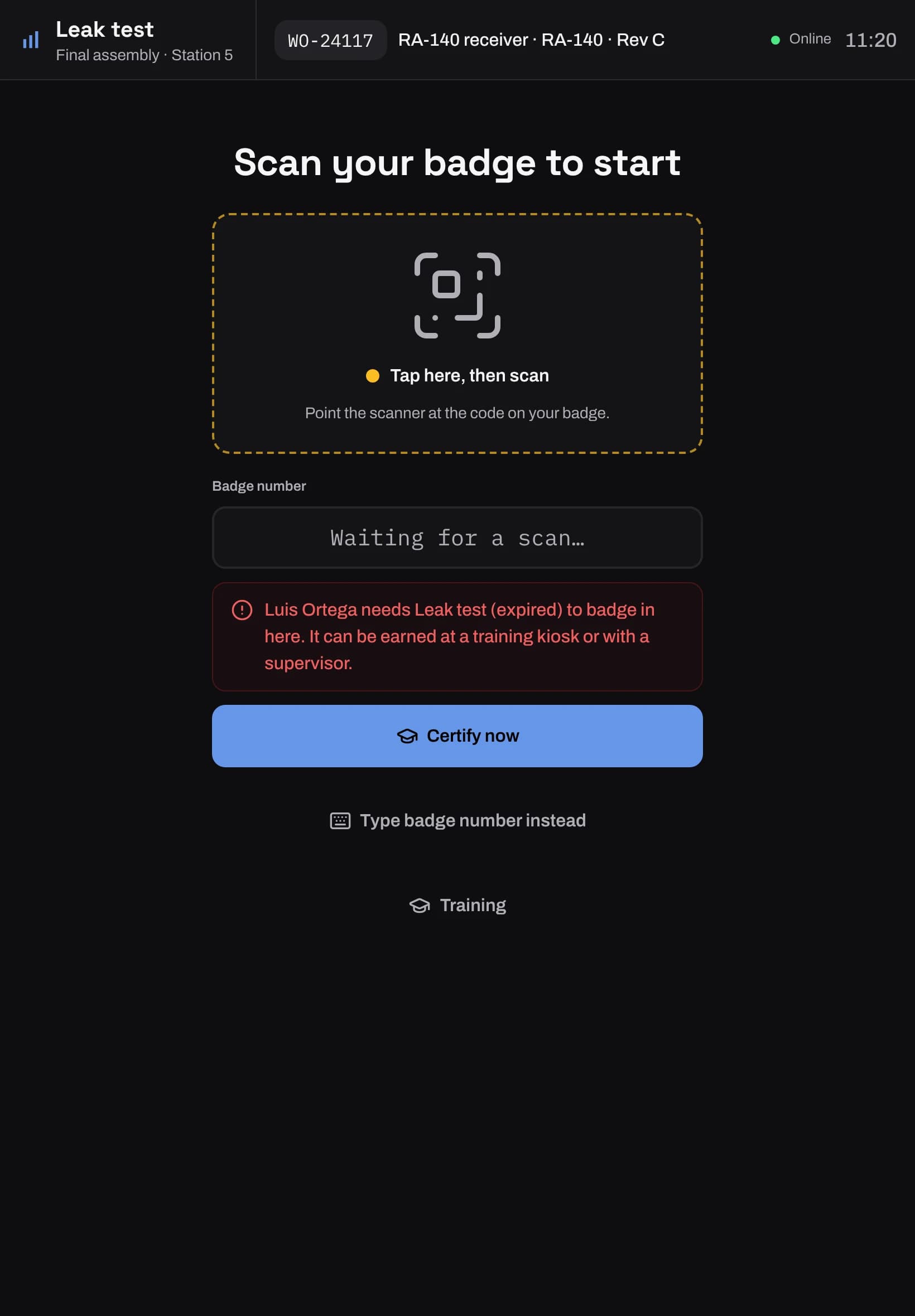
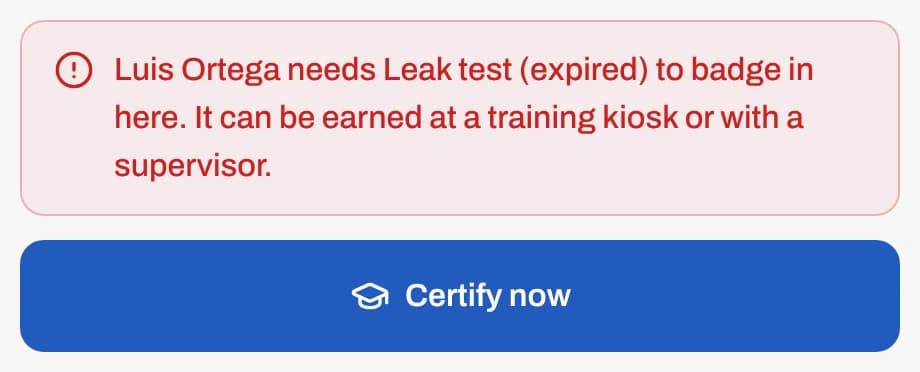
You choose what a gap does: block the work, warn the operator, or only record it. A refused operator sees which certification they need and where to get it, and you can let them take the quiz right there.
Four ways to earn a certification
Each certification says how it is earned and whether any one way is enough or all of them are needed. Set the days it lasts, or leave it to never expire, and list the certifications a person needs first.
Pass a quiz
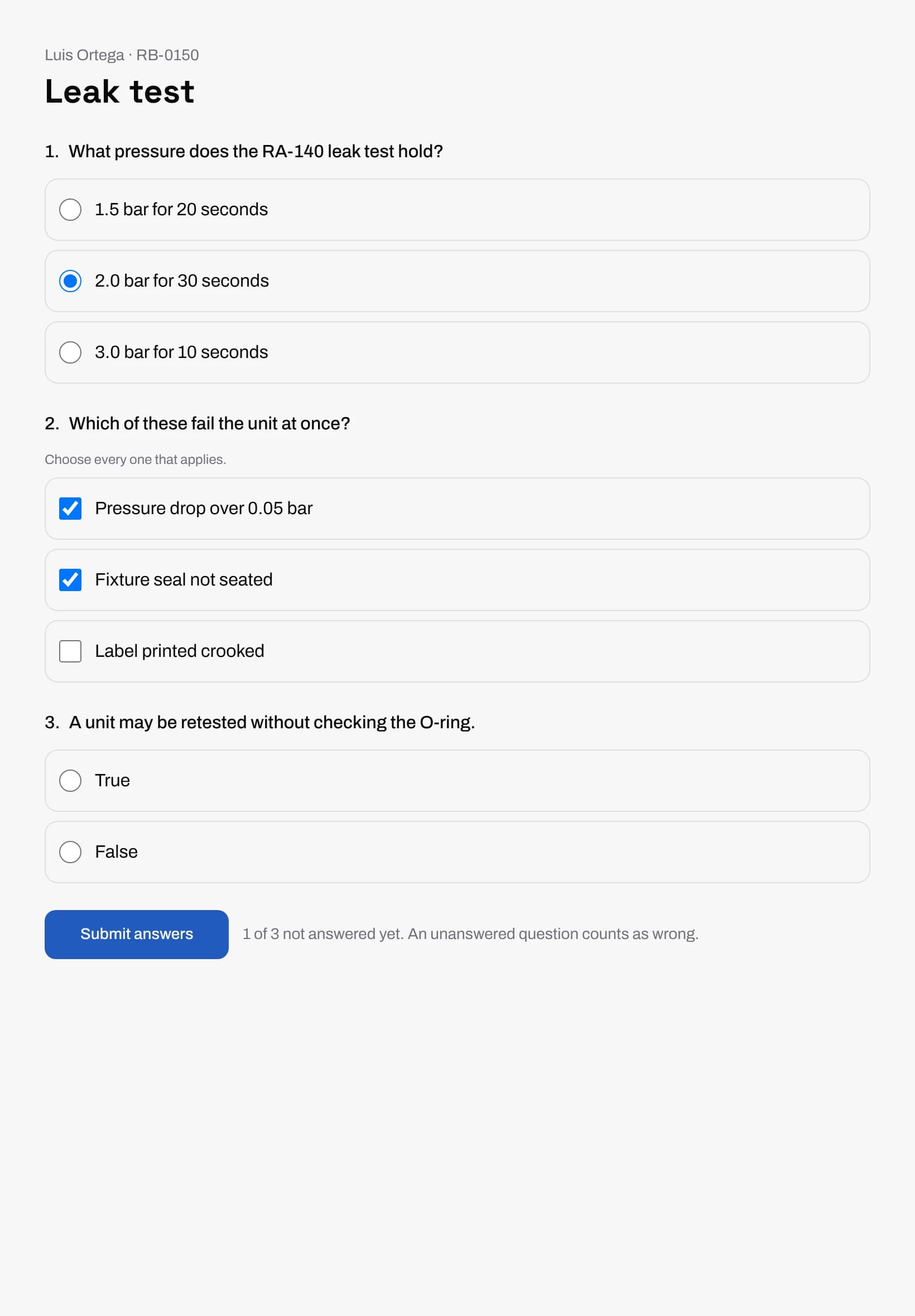
Questions built from a work instruction, graded by the server against the pass mark.
Read and confirm
The operator reads a work instruction or study guide and confirms it.
Supervisor sign-off
A supervisor watches the work and signs the person off.
Recorded from outside
A course certificate or a record from another system, entered by hand or by CSV.
Quizzes written from your work instructions
Draft a quiz or a study guide from a published work instruction, by hand or with the AI drafting tool. A person reviews and publishes every draft, and nothing reaches an operator before that.
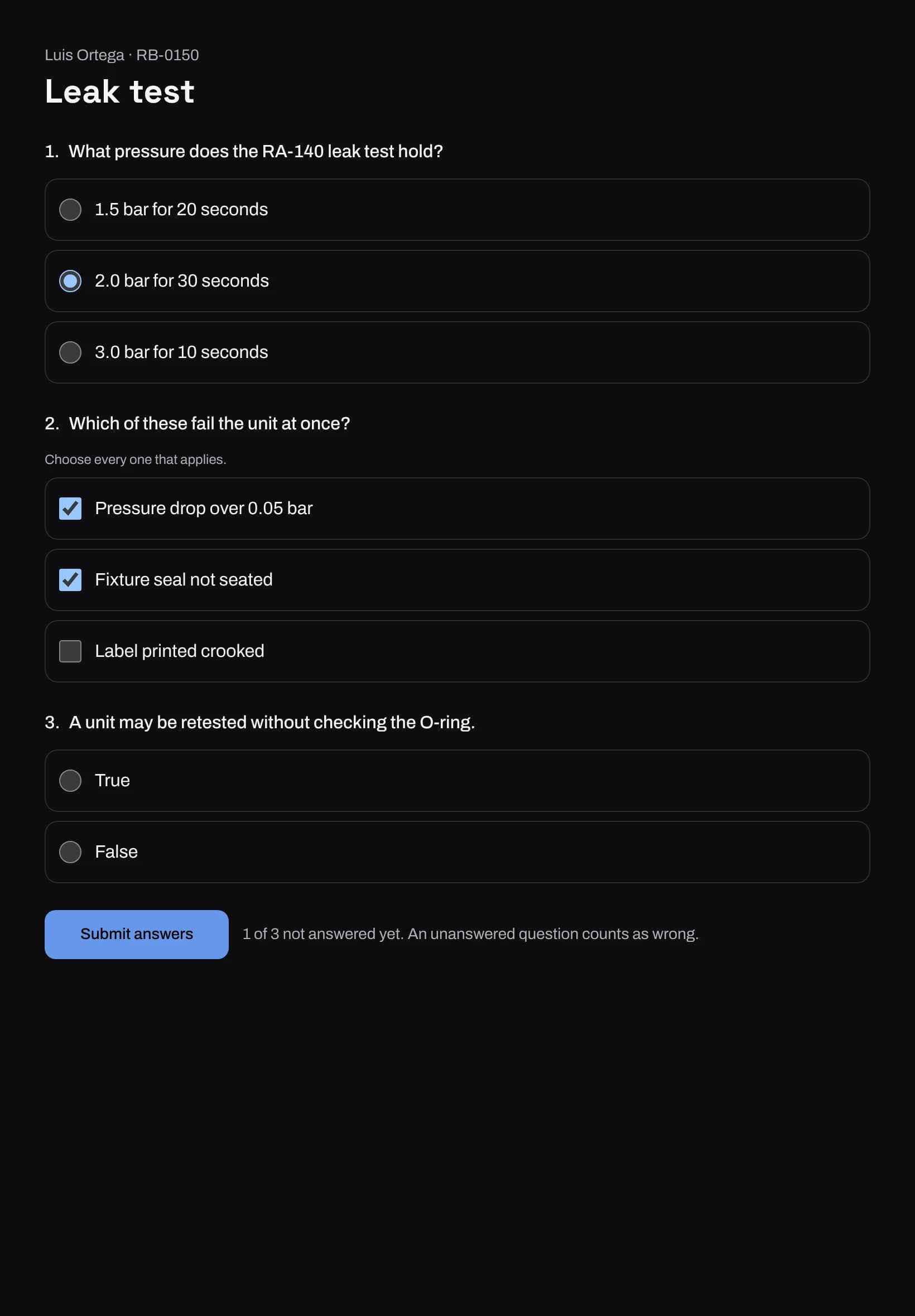
Questions can be single choice, multiple choice, true or false, a number, or steps to put in order. Operators take them on a station tablet, at a training kiosk, with a supervisor, or on a printed sheet entered later by its code.
When the rules change
When you change what earns a certification, choose whether current holders keep it or must earn it again, and how many days they have. Each person's deadline is set for them overnight.
If the work instruction behind a quiz is published again, the quiz says it was written from an older version, so it gets updated before anyone is tested on old steps.
A record for every person
Each operator has a training page listing what they hold, what they are assigned and every grant, sign-off and revocation, newest first. Records are never edited.
Download a transcript as a PDF, or a certificate for a single certification, when an auditor or a customer asks.
Common questions
What is a training matrix?
A grid of people against the skills or certifications their work needs, showing who holds what and what is about to expire. Manufacturers use it to plan cross-training and to show an auditor that only qualified people did the work.
Can we import our existing skills matrix from Excel?
Yes. Save it as CSV. Certifications, training records and assignments each have an import that previews every change before it saves.
Will it stop an untrained operator from running a station?
If you set the requirement to block, yes. The operator can't badge in at that station until they hold the certification. Warn and record let the work go on and keep a note of the gap.
Do certifications expire?
If you give them a number of days. A certification shows as expiring inside the warning window you set, and a short grace period can turn a block into a warning for a few days after it lapses.
Do operators need a computer or an email address?
No. They badge in on a station tablet or a training kiosk, or take a quiz on paper that a supervisor enters by its code.
Start with one line.
Get in touch and we'll set up your first line with you.